Access Your Broadway San Diego Account Anytime!
Need Help Signing In? Click Here!
👉 Access Your Account: Broadway San Diego Account Manager
Swap Information
You can Swap any one of your Season Ticket Package shows with an Added Season Event*.
- *Available for most shows. You can Swap into any Added Season Event.
- You will be allowed to swap ONE show.
- Shows cannot be swapped from one season to another.
- Additional costs may apply if Swapping into a higher priced performance/show.
-
When processing a swap via phone/email, a $3 transaction fee will be applied.
- Swap is not available via online chat.
How to Swap from One Show To Another Show
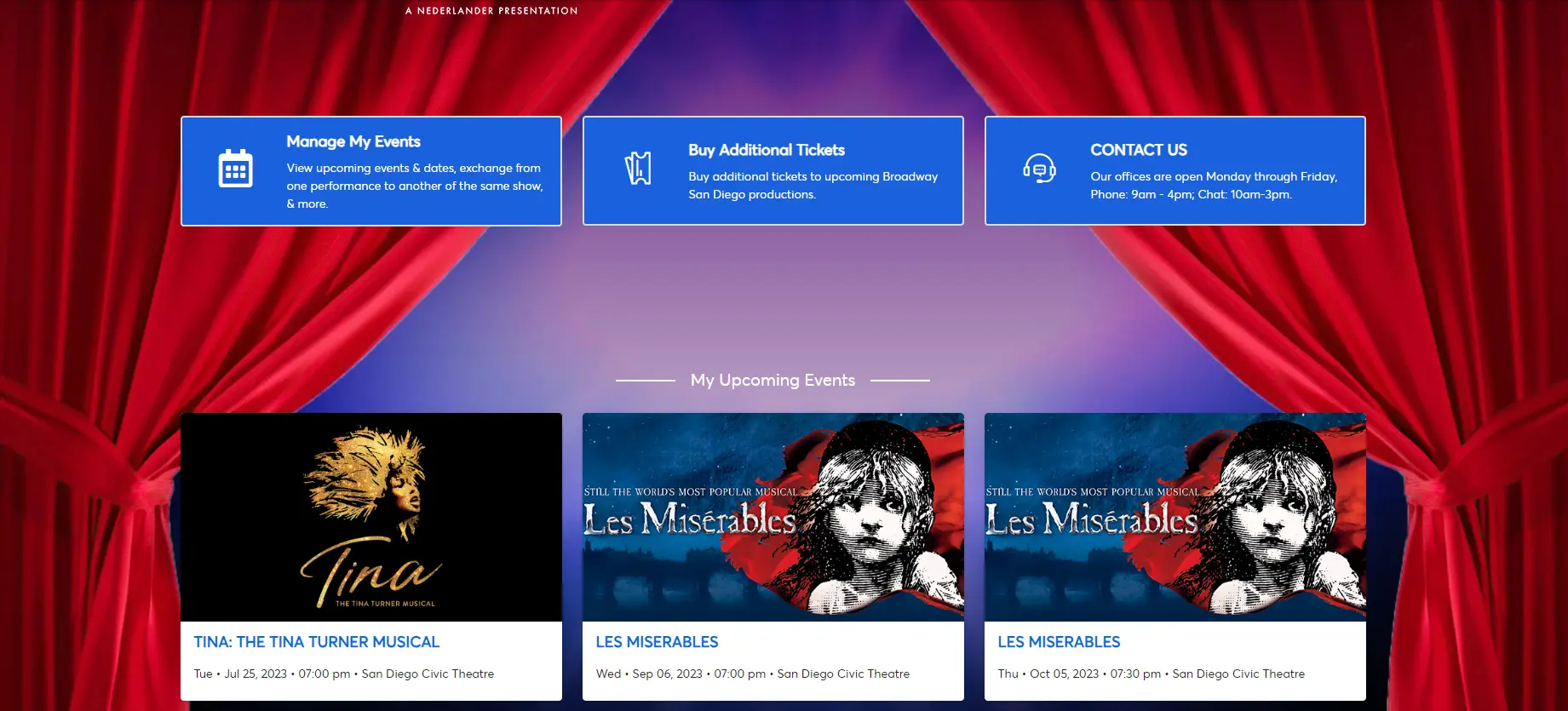
- When logged into your account, click on the "Event" you would like to Swap out of (please note, you may only Swap out of one of the 7 Season Package shows).
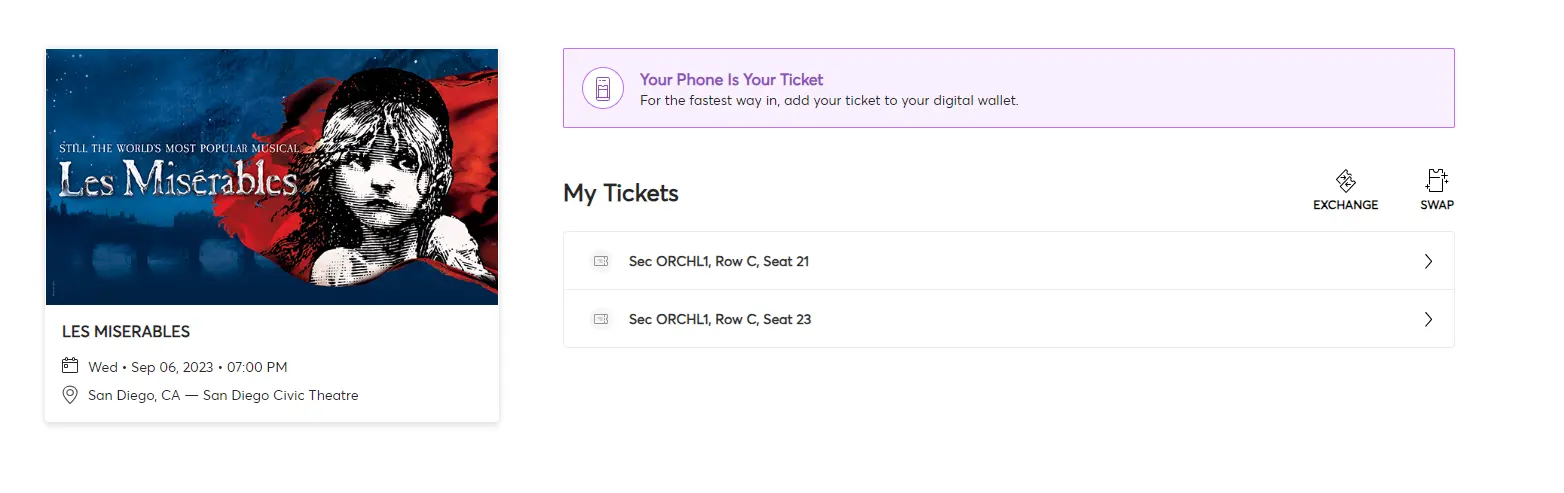
- Click on the “Swap” icon above the tickets.
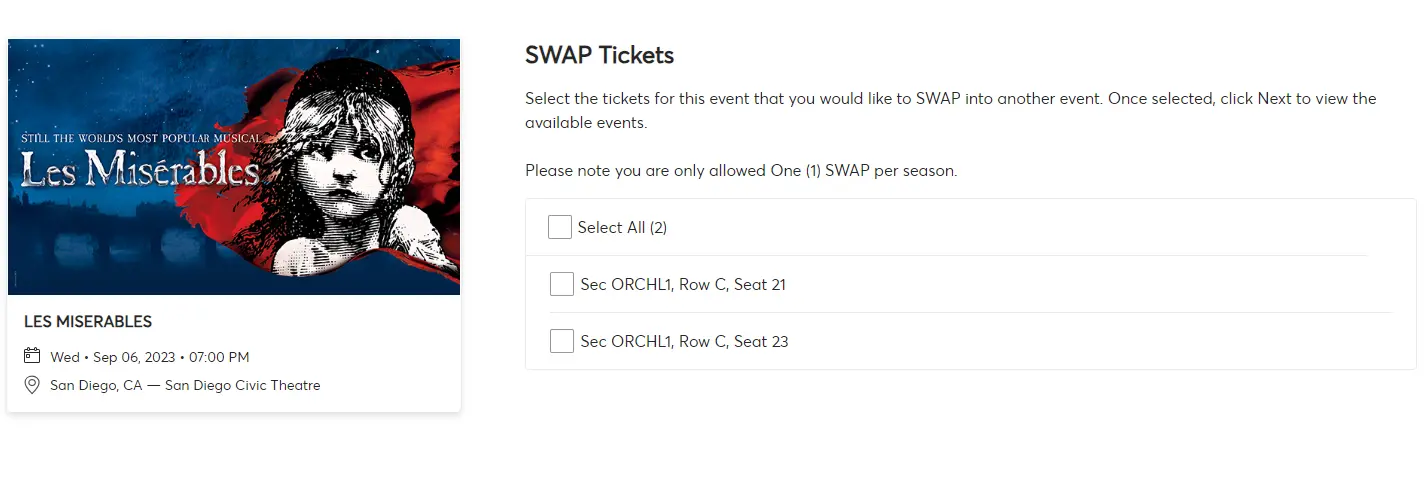
- Select the ticket(s) you would like to SWAP, then click Continue.
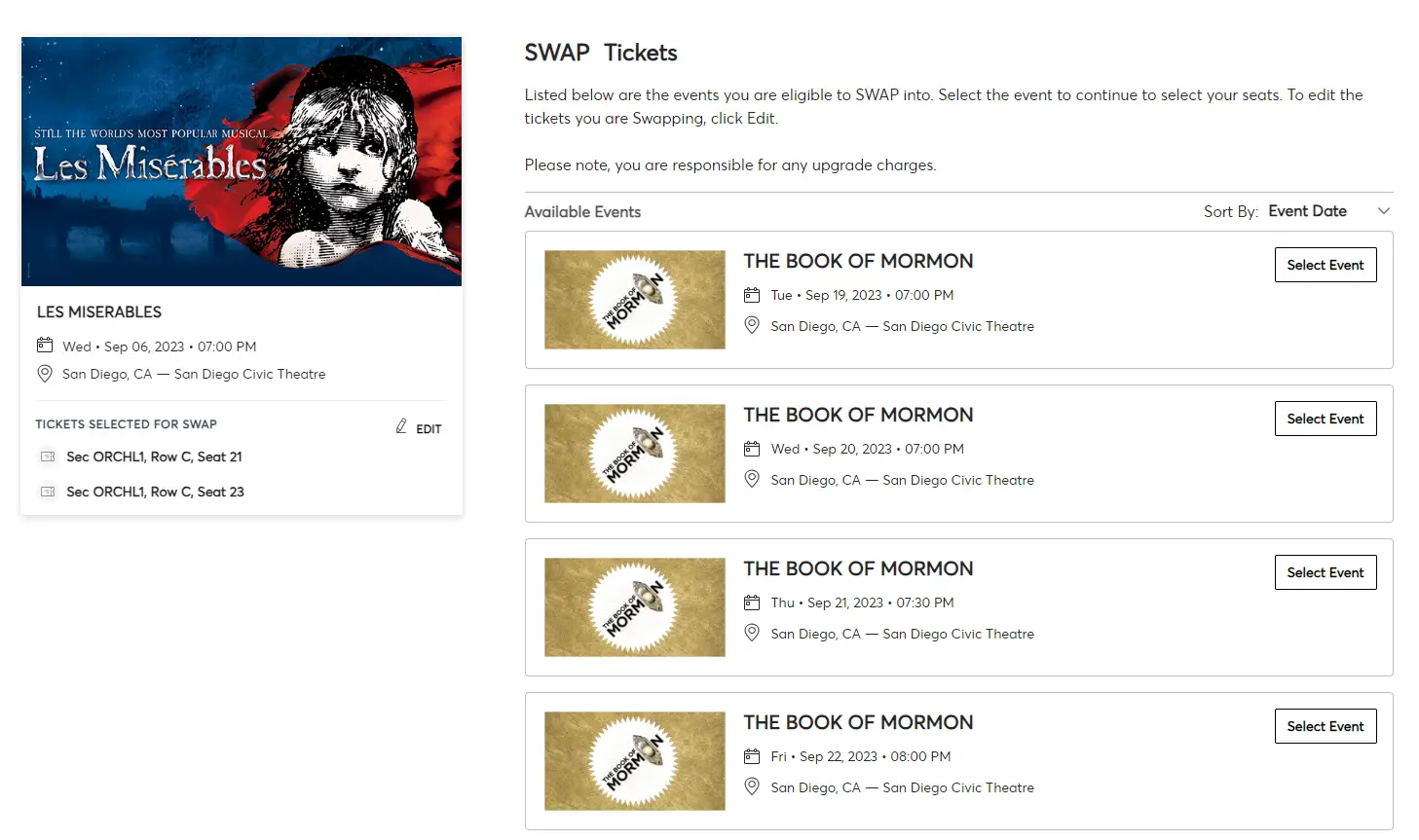
- Select the Performance you would like to SWAP into. By default, the events are in chronological order. Scroll down to see all available events.
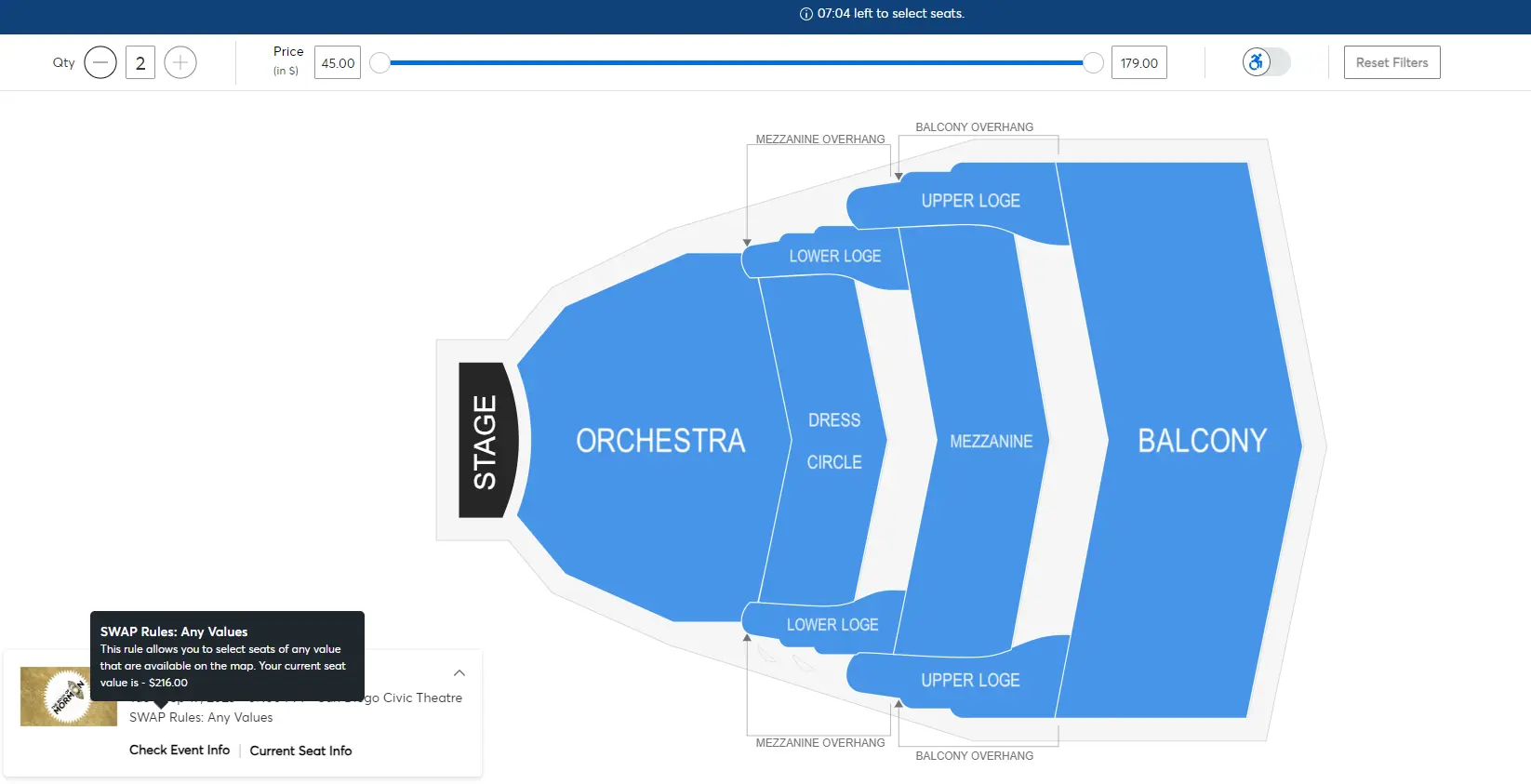
- You will see the Interactive Seat Map (ISM) for the performance. Click on the section you would like to sit in to see available seats.
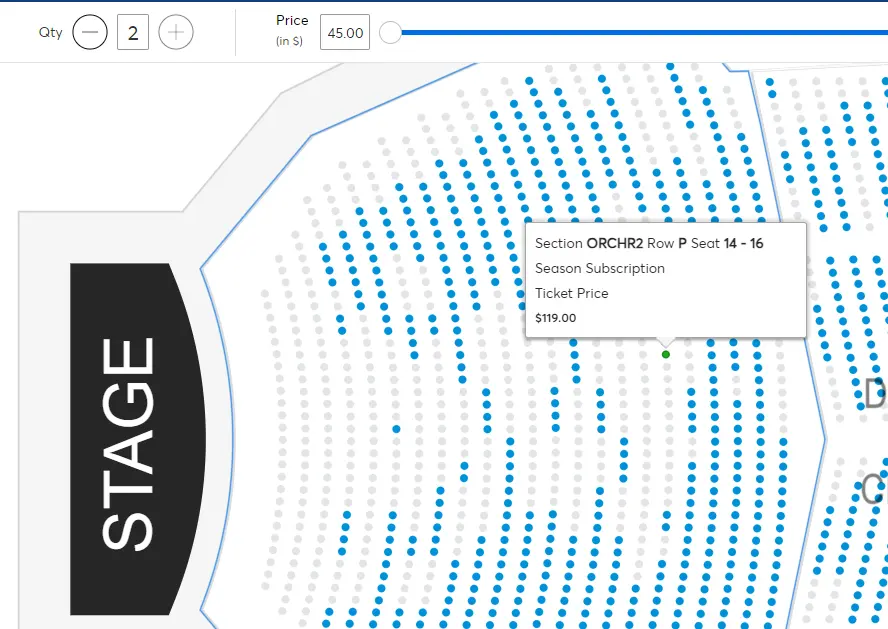
- Hover over the seats you would like, and it will show you how much each seat is.
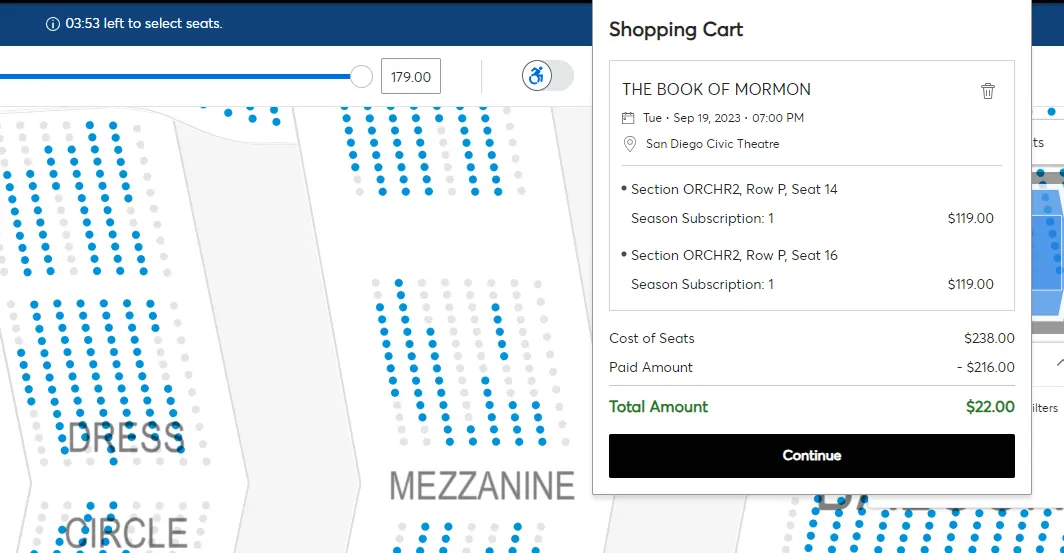
- When you select your seats, it will let you know the difference in price. To check out, click Continue.
- You will see a summary on the next screen. Click "Next" to continue.
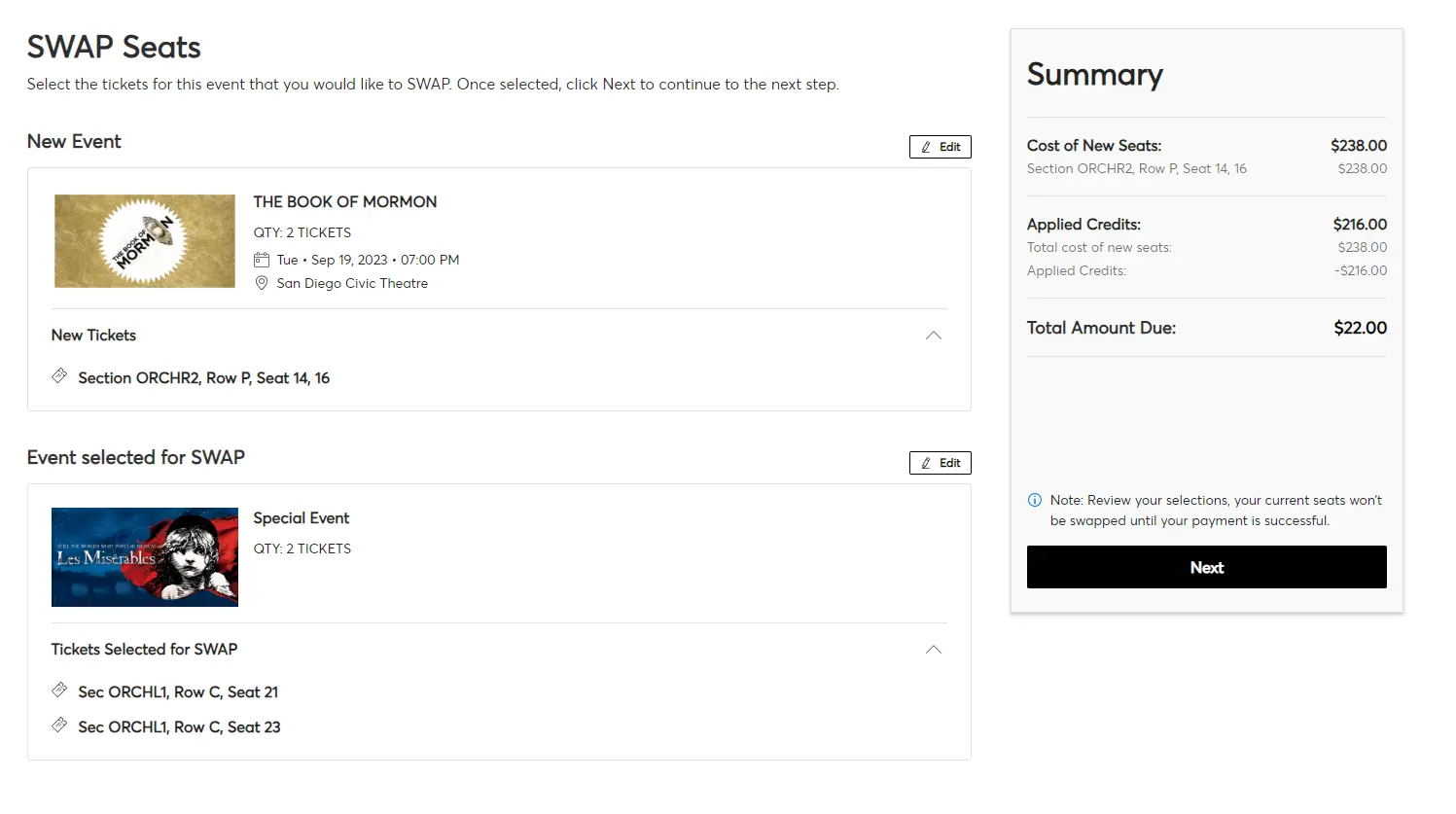
- Review your order, choose your Payment Method, then checkout.'
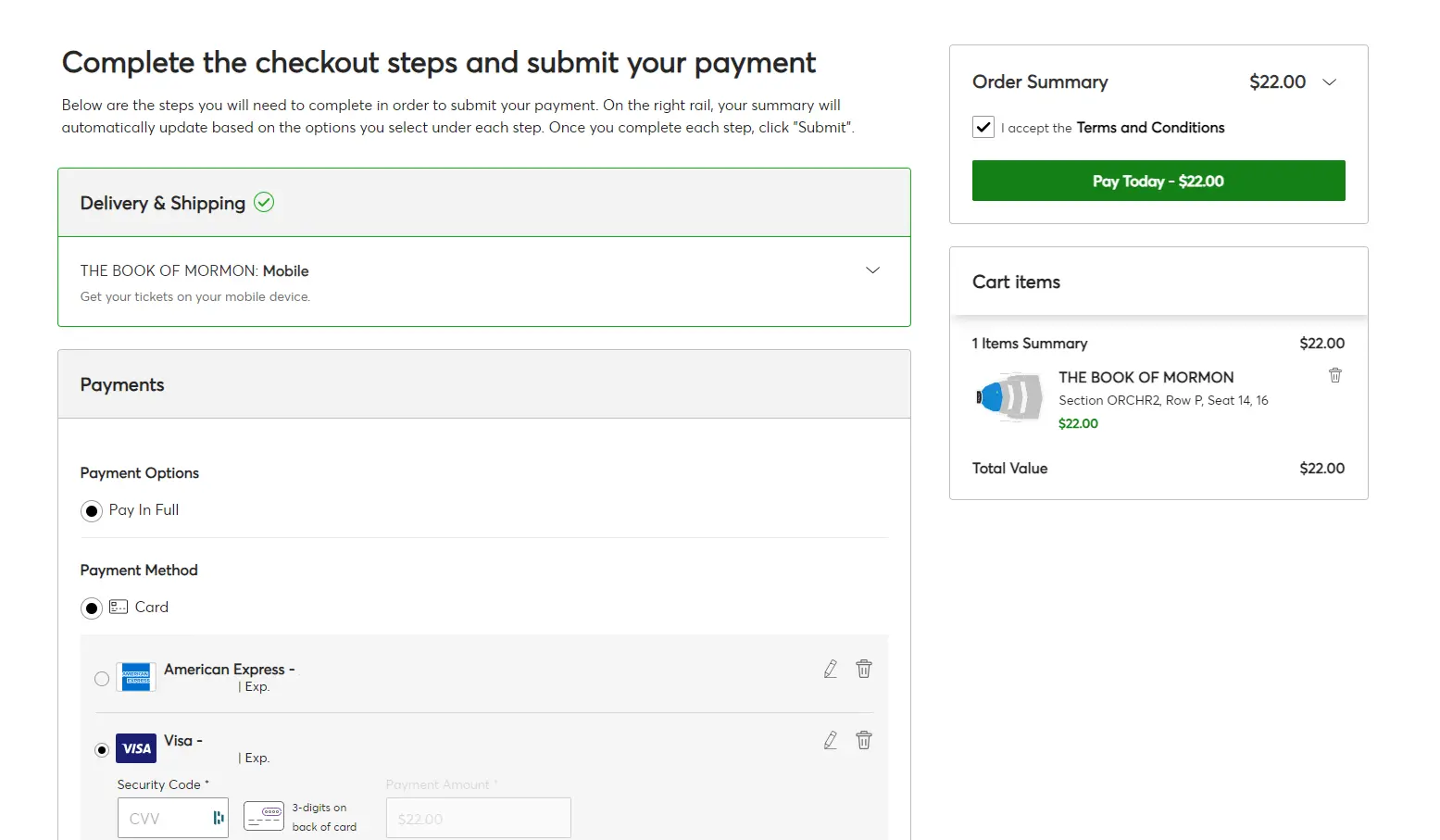
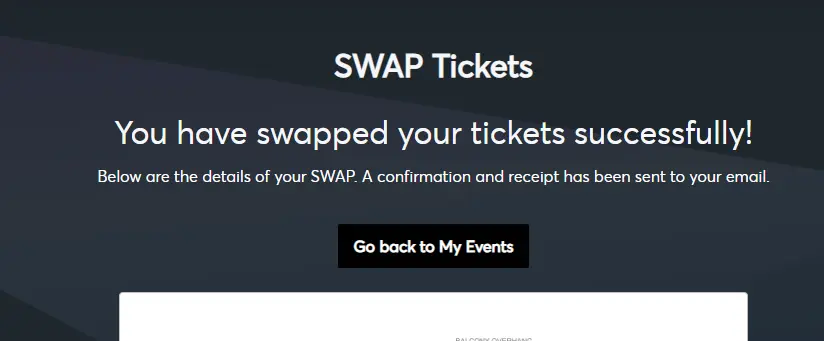
- Your SWAP is done!
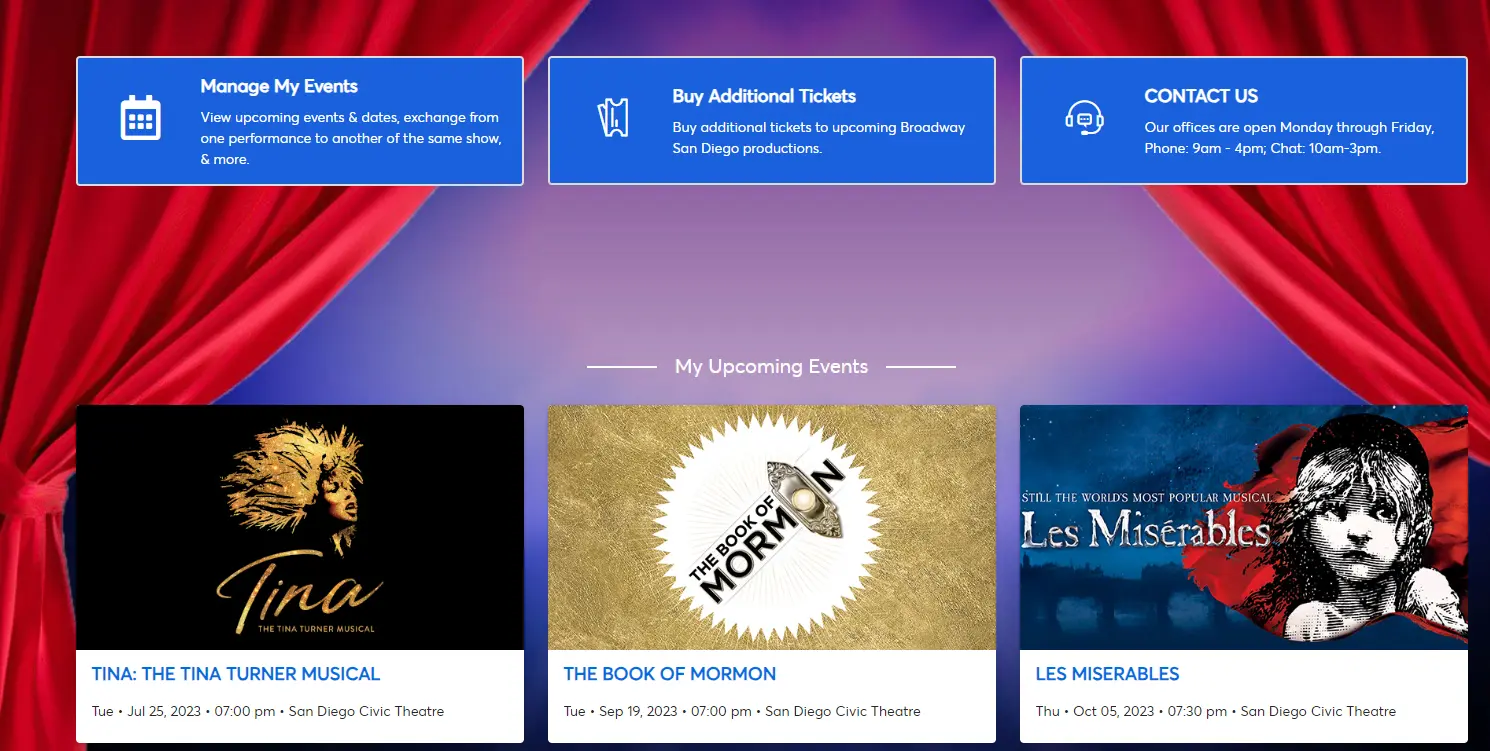
- Your new seats are now in "Your Events."
Ways to Swap as a Season Ticket Holder
By Phone
888-937-8995
Monday - Friday, 9AM - 5PM & Saturday 9AM - 3PM
By Email
Monday - Friday, 9AM - 5PM & Saturday 9AM - 3PM